 PaisaMaps for business
Use case · Portfolio benchmarking
Score the stores you already have.
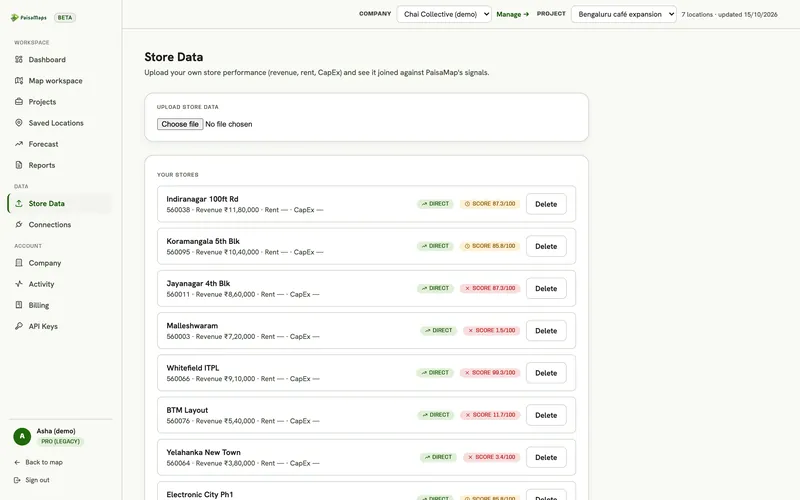
See every store against the spending power of its area, so you know which are under-performing their market and what your winners have in common.
Why it matters
Your own stores are the best evidence you have. Score them first, then look for places that resemble the winners.
How it's done
From a store list to a winning profile
Upload
CSV or Excel with store, pincode and revenue.
Score
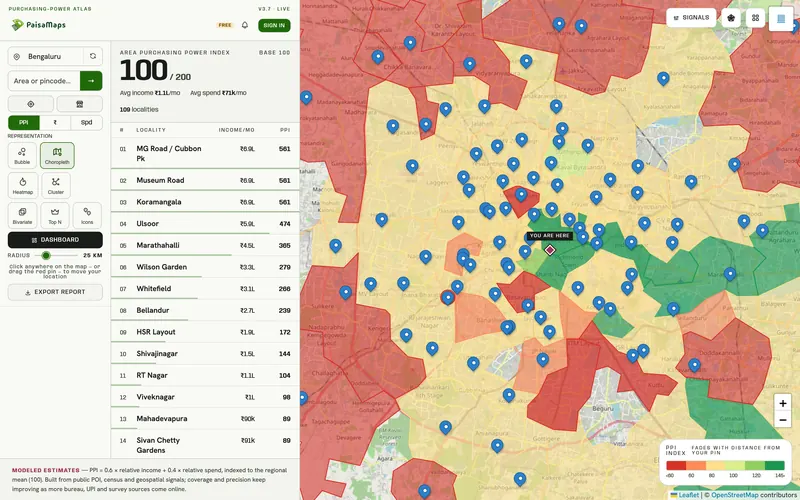
Each store gets its area's purchasing power, income and spend.
Find the pattern
Which signals your best stores share.
Act
Use the profile to pick, size and forecast new sites.
Worked example
Finding the under-performers in a 60-store network
- UploadThe 60 stores with monthly revenue.
- ScoreEach store against its area.
- PlotRevenue against area strength: the stores below the line stand out.
- InvestigateOperations, format or visibility reviews for those stores.
The decision
A shortlist of stores for operational review, and a winning-catchment profile for the next openings.
What the team walks away with
- Every store scored against its area
- A list of under- and over-performers
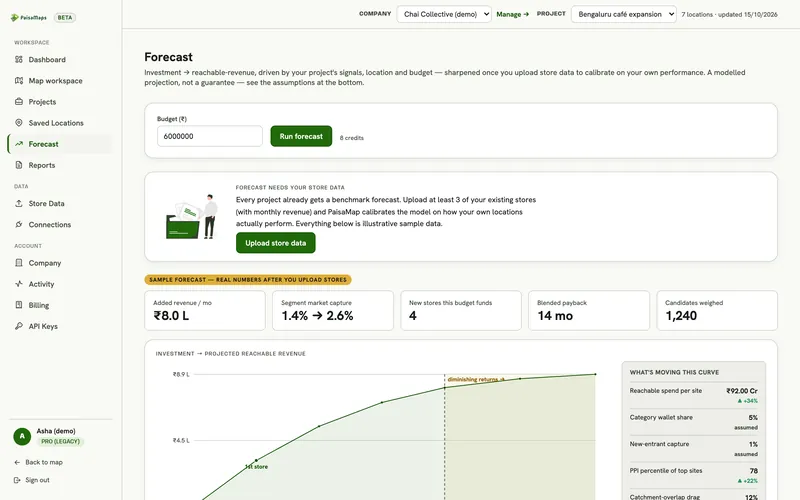
- A profile that calibrates the forecast
What you walk away with
Your network, seen against its markets
You get
- Every store scored
- Under- and over-performers
- A forecast calibrated to your stores
You don't need
- To share data with anyone outside your company
- A data science team
- Months of analysis
By industry
How each industry uses it
| Industry | What they do with it |
|---|---|
| Retail & F&B → | Finds stores under-performing their market and the profile of the winners. |
| Lenders, NBFC & fintech → | Reads each branch against the affordability of its area. |
| Agencies & consultants → | Benchmarks a client's network before recommending openings or closures. |
Signals that matter here
Which signal answers which question
Every plan sees purchasing power, income and spend. These are the signal groups that move this decision.
| Signal group | What it tells you | The decision it feeds |
|---|---|---|
| Purchasing power | How much a typical household earns and spends, and how that ranks in its state | Where your price point has enough customers; which sites to shortlist |
| Banking & UPI | How banked and how digitally active an area is | Where credit, payments or premium products will be adopted first |
| Vehicles | Car ownership, the car-to-two-wheeler mix, luxury and EV share | Premium vs value positioning; parking-led formats; mobility products |
Each signal's source and level (pincode, district or state) is listed on the signals page.
Keep exploring
Where to go next
Retail & F&B
Retail, café, QSR and pharmacy chains use PaisaMaps to find pincodes that can support their ticket size, compare candidate…
Explore →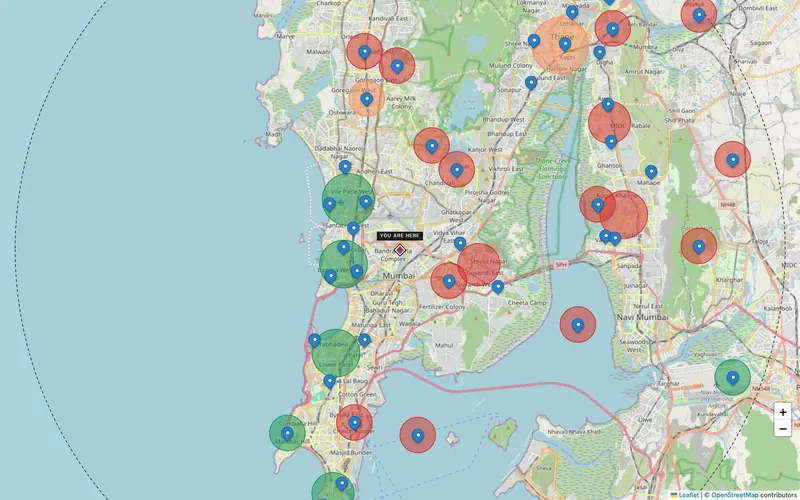
Agencies & consultants
Strategy firms, consultancies and research and media agencies run each client as its own company, with pincode-level market…
Explore →Expansion forecast
Enter an investment budget and get ranked sites, reachable revenue, payback and a budget split, with every assumption shown…
Explore →Bring your store list
Upload it in the workspace or send it to us; it stays in your company, encrypted.