 PaisaMaps for business
ObjectivePick the next city
With PaisaMapsCompare cities and neighbourhoods on purchasing power in a few clicks, free.
OutcomeA next city chosen on demand, not on who you happen to know there.
For D2C brands, franchises, clinics, schools and SMEs
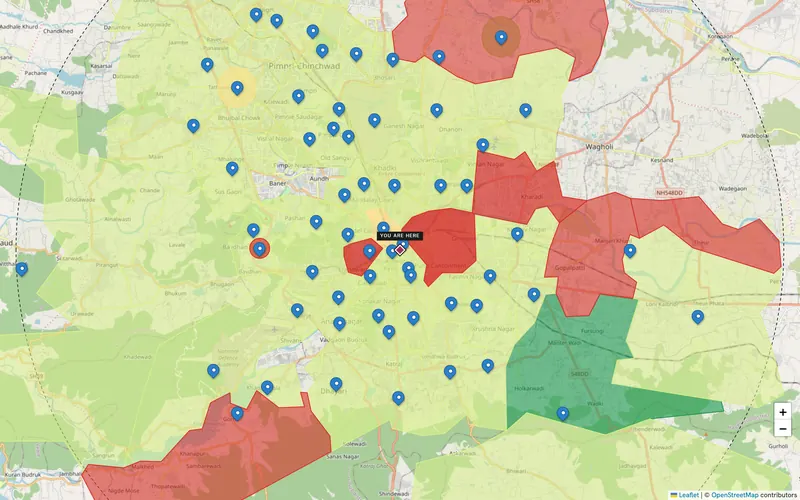
You don't need a strategy department to decide where to grow. PaisaMaps shows where the households who can afford your product live, so the next city, outlet or delivery zone is a decision, not a guess.
What you can achieve
ObjectivePick the next city
With PaisaMapsCompare cities and neighbourhoods on purchasing power in a few clicks, free.
OutcomeA next city chosen on demand, not on who you happen to know there.
ObjectivePlan delivery or service zones
With PaisaMapsSee where income concentrates and draw zones around it.
OutcomeZones that cover the customers most likely to order.
ObjectiveChoose a franchise or outlet location
With PaisaMapsShortlist locations and compare them on income and spend.
OutcomeA location you can explain to a franchisee or a lender.
ObjectiveTarget ads by area
With PaisaMapsExport the pincodes that fit your customer profile.
OutcomeAd spend focused on the areas that can buy.
Who's involved
Uses it every week
Compares cities and neighbourhoods, plans zones, saves a shortlist.
What they getA clear next step without hiring a data team.
Reads and decides
Signs off the next city, outlet or zone.
What they getA short, visual case for the decision.
Pays for it
Starts on the free map; pays when the workspace saves real time.
What they getExpansion money spent where customers can afford the product.
Getting started
No integration project. Most teams are reading their own cities on day one.
Open the map, search your city and read it by spending power. No sign-in.
Sign in with Google to save locations and notes.
A signal plan adds banking, UPI, vehicles and tax data on the map.
When you're ready to compare sites and forecast, we set it up with you.
A business case, start to finish
One city chosen, two neighbourhoods shortlisted where existing online customers and high spending power overlap.
Signals that matter here
Every plan sees purchasing power, income and spend. These are the signal groups that move this decision.
| Signal group | What it tells you | The decision it feeds |
|---|---|---|
| Purchasing power | How much a typical household earns and spends, and how that ranks in its state | Where your price point has enough customers; which sites to shortlist |
| Banking & UPI | How banked and how digitally active an area is | Where credit, payments or premium products will be adopted first |
| Vehicles | Car ownership, the car-to-two-wheeler mix, luxury and EV share | Premium vs value positioning; parking-led formats; mobility products |
Each signal's source and level (pincode, district or state) is listed on the signals page.
Use cases
| Use case | How any business teams use it |
|---|---|
| Site selection → | Picks the first outlet, clinic or experience store in a new city. |
| Market sizing → | Counts the households that can afford the product in a target city. |
| Territory planning → | Splits sales or delivery territories so each has a comparable market. |
Before you buy
Yes. The map is free, a signal plan is ₹200 a month, and we set up workspace plans with you directly.
No. If you can use a map, you can use PaisaMaps. Exports are there when you want them.
Yes. Monthly plans run month to month.
Keep exploring
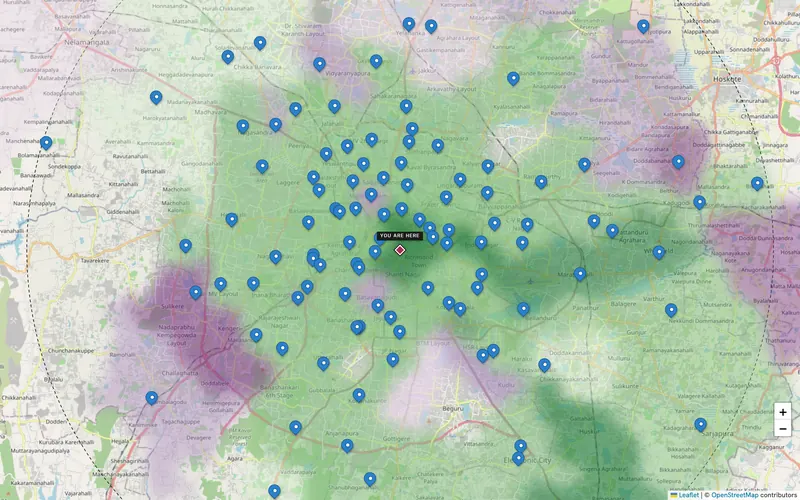
Estimate households and monthly spend for a city, region or radius, split by pincode and by signal, and export it for your…
Explore →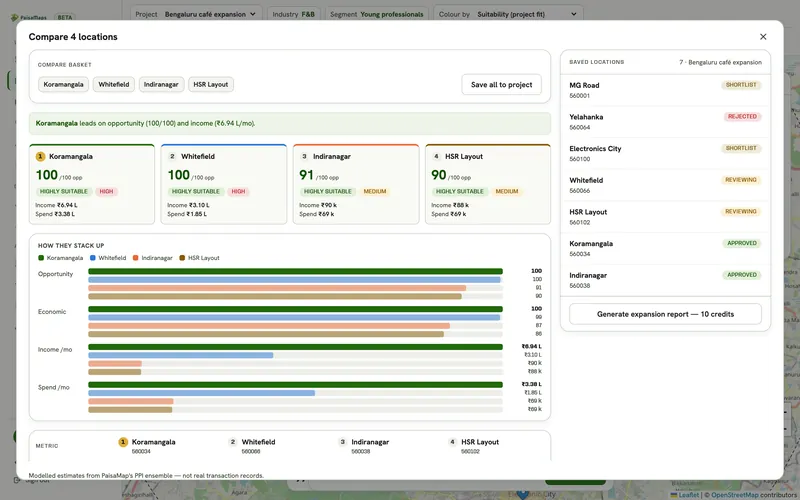
Shortlist candidate pincodes by purchasing power, check each catchment, compare up to five sites side by side and send a…
Explore →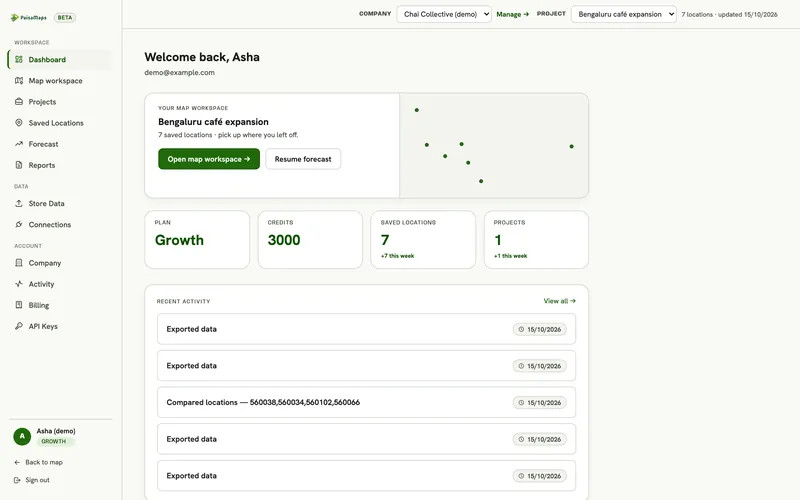
A shared workspace for expansion decisions: projects, location intelligence, site comparison, saved-location pipeline, your…
Explore →Name the cities; we'll show you where your customers are likely to be.