 PaisaMaps for business
ObjectiveStart every engagement with the market already mapped
With PaisaMapsPincode-level purchasing power, income, spend and signals, ready the day the project starts.
OutcomeAnalyst weeks spent on recommendations, not data assembly.
For strategy firms, consultancies and agencies
Every client engagement starts by rebuilding the same market picture from scratch. PaisaMaps gives your team pincode-level market data on day one, with each client kept separate and billed cleanly.
What you can achieve
ObjectiveStart every engagement with the market already mapped
With PaisaMapsPincode-level purchasing power, income, spend and signals, ready the day the project starts.
OutcomeAnalyst weeks spent on recommendations, not data assembly.
ObjectiveKeep clients separate
With PaisaMapsEach client is its own company with its own projects, uploads and reports.
OutcomeNo mixing of client data, and a clean audit trail.
ObjectiveControl spend per client
With PaisaMapsSet a credit budget per client company and allowances per person.
OutcomeUsage you can bill back, client by client.
ObjectiveHand over work clients can open
With PaisaMapsPDF reports, read-only links and exports.
OutcomeDeliverables that don't need the client to buy a licence.
One account
Who's involved
Uses it every week
Builds the client's market picture, shortlists, forecasts and the deliverable.
What they getThe data layer of an engagement ready on day one.
Reads and decides
Reviews the recommendation and presents it to the client.
What they getTraceable numbers with their sources, under the firm's name.
Pays for it
Buys one account and bills usage back per client.
What they getFaster engagements and clean per-client billing.
A business case, start to finish
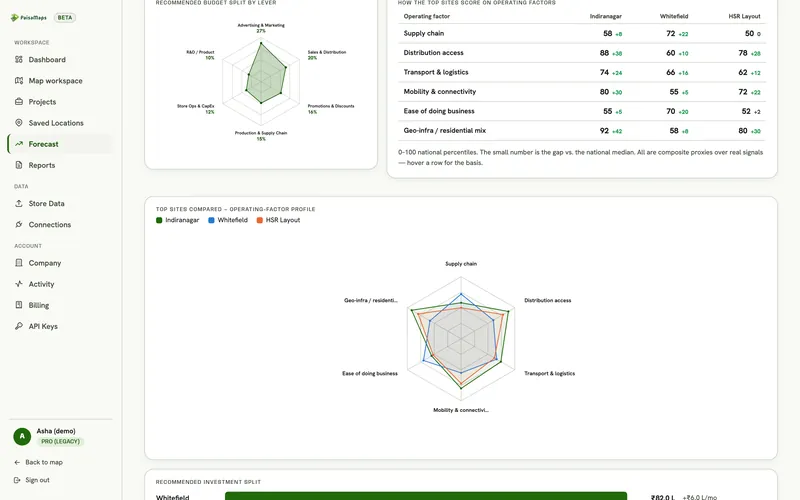
The recommendation goes to the client with every site's reasoning visible, and the engagement's usage is billed to that client's budget.
Getting started
We set up your firm's account and a first client company.
Load the client's data and build the recommendation.
Reports and read-only links the client can open.
Each new client gets its own company and budget.
Signals that matter here
Every plan sees purchasing power, income and spend. These are the signal groups that move this decision.
| Signal group | What it tells you | The decision it feeds |
|---|---|---|
| Purchasing power | How much a typical household earns and spends, and how that ranks in its state | Where your price point has enough customers; which sites to shortlist |
| Banking & UPI | How banked and how digitally active an area is | Where credit, payments or premium products will be adopted first |
| Tax & economy | How many people file income tax, and the local business base | Formal-income depth for lending; B2B and SME demand |
| Infrastructure | Night-time activity and schooling, as a read on how developed an area is | Whether a catchment is established or still emerging |
Each signal's source and level (pincode, district or state) is listed on the signals page.
Use cases
| Use case | How agencies & consultants teams use it |
|---|---|
| Site selection → | Builds a client's recommended site list with every reason written down. |
| Market sizing → | Produces the bottom-up market size for a client's business case. |
| Portfolio benchmarking → | Benchmarks a client's network before recommending openings or closures. |
Before you buy
Yes. Link client companies to your account; credits are drawn from your wallet and usage is reported per client.
Seats are counted across your whole account. Client stakeholders can join as free viewers.
Not today. Talk to us about bulk data feeds for your own tools.
Keep exploring
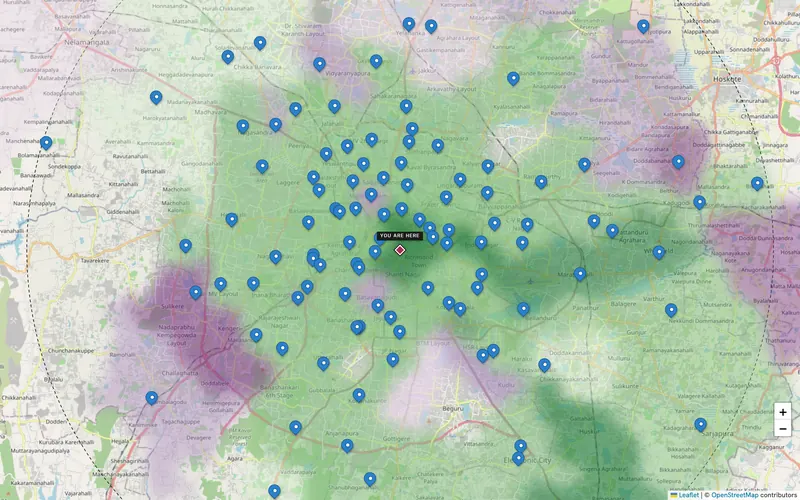
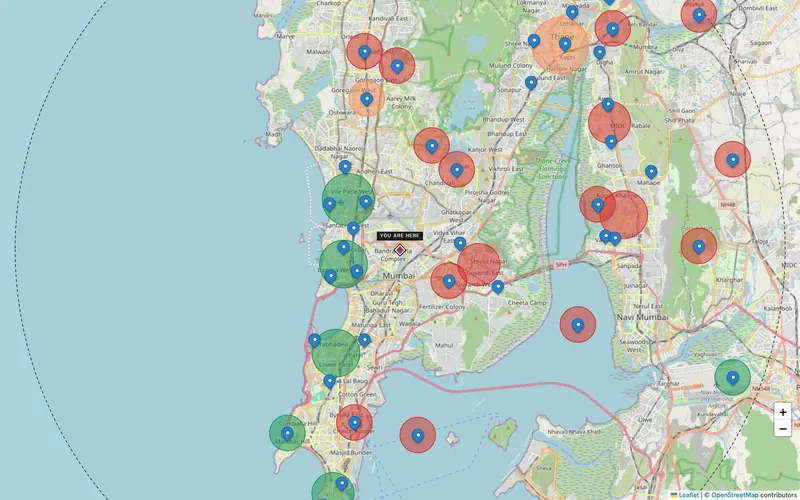
Estimate households and monthly spend for a city, region or radius, split by pincode and by signal, and export it for your…
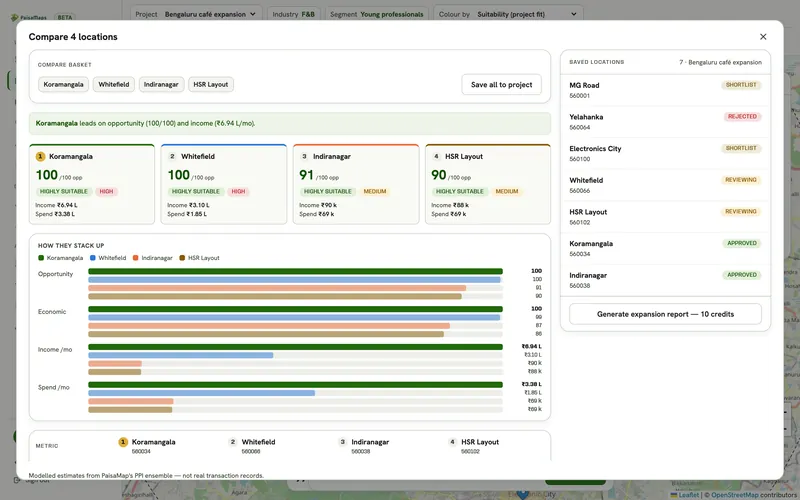
Explore →Shortlist candidate pincodes by purchasing power, check each catchment, compare up to five sites side by side and send a…
Explore →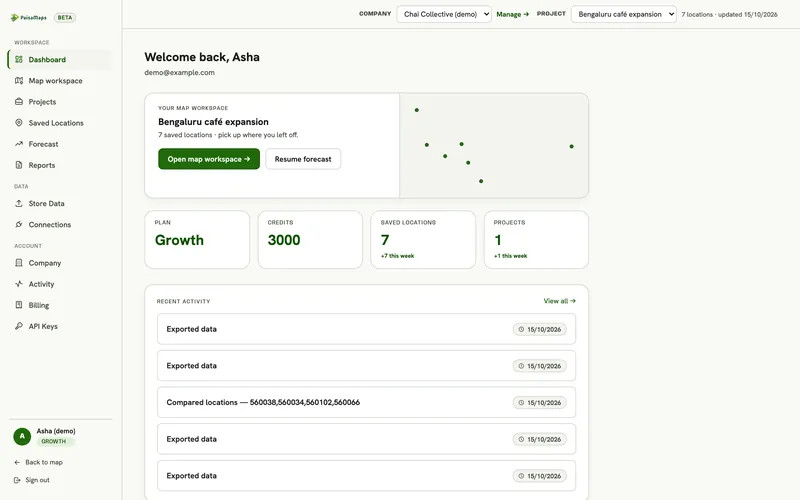
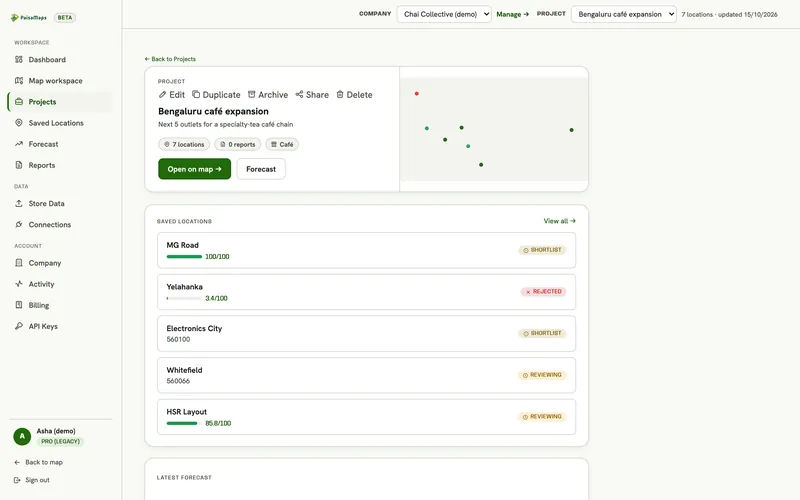
A shared workspace for expansion decisions: projects, location intelligence, site comparison, saved-location pipeline, your…
Explore →Tell us the client's sector and cities; we'll set up a first client company with you.