 PaisaMaps for business
ObjectivePrioritise sourcing by area
With PaisaMapsRank pincodes by estimated income and spend, and see how banked they already are.
OutcomeField teams and campaigns pointed at pincodes that can carry the product.
For banks, NBFCs, MFIs and fintechs
Sourcing teams spend the same effort in every pincode, whether or not it can carry the product. PaisaMaps ranks pincodes by income, spend and banking depth, so effort and limits follow the market.
Use it the right way
What you can achieve
ObjectivePrioritise sourcing by area
With PaisaMapsRank pincodes by estimated income and spend, and see how banked they already are.
OutcomeField teams and campaigns pointed at pincodes that can carry the product.
ObjectiveSize a new product by region
With PaisaMapsExport households, income and spend by pincode for any region.
OutcomeA market-size estimate you can build a business plan on.
ObjectiveFind under-served markets
With PaisaMapsSwitch between purchasing power and branch density to spot strong spending with thin banking.
OutcomeA list of pincodes where demand is ahead of supply.
ObjectiveAdd an area feature to your models
With PaisaMapsPull signals by pincode with an API key and join them to your book.
OutcomeAn extra, documented input next to your bureau and customer data.
ObjectivePlan branches and agents
With PaisaMapsOverlay your existing branches or customers and read each against its area.
OutcomeCoverage gaps and over-served areas, side by side.
Who's involved
Uses it every week
Exports signals by pincode, joins them to the book, ranks areas for sourcing.
What they getA documented area feature and a sourcing priority list.
Reads and decides
Approves where to source, which regions to launch in, which features enter the model.
What they getArea-level evidence with a clear source for model review.
Pays for it
Owns the analytics, data or distribution budget.
What they getSourcing spend and branches pointed at areas that can carry the product.
A business case, start to finish
Sourcing starts in the top-ranked pincodes; the area signals are added as features in the NBFC's own model, reviewed under its governance.
Signals that matter here
Every plan sees purchasing power, income and spend. These are the signal groups that move this decision.
| Signal group | What it tells you | The decision it feeds |
|---|---|---|
| Purchasing power | How much a typical household earns and spends, and how that ranks in its state | Where your price point has enough customers; which sites to shortlist |
| Banking & UPI | How banked and how digitally active an area is | Where credit, payments or premium products will be adopted first |
| Tax & economy | How many people file income tax, and the local business base | Formal-income depth for lending; B2B and SME demand |
| Vehicles | Car ownership, the car-to-two-wheeler mix, luxury and EV share | Premium vs value positioning; parking-led formats; mobility products |
Each signal's source and level (pincode, district or state) is listed on the signals page.
Getting started
Read affordability on the free map for your target states.
We set up the workspace and an export for one product or region.
Join the export to your book on pincode; add an API key for refreshes.
Higher API limits on Growth and above.
Use cases
| Use case | How lenders, nbfc & fintech teams use it |
|---|---|
| Market sizing → | Sizes a loan or payments product by region before launch. |
| Credit & affordability → | Adds area affordability as a feature next to bureau and customer data. |
| Territory planning → | Allocates sourcing teams and agents by market strength. |
Before you buy
No. It's an area-level signal, the same for everyone in a pincode. Use it alongside your own customer-level data and model governance, not instead of them.
Export by pincode as CSV, Excel or JSON, or pull it with an API key. Growth and above get higher API limits.
RBI branch and deposit statistics, and PhonePe Pulse for UPI value. The signals page lists each source and level.
Keep exploring
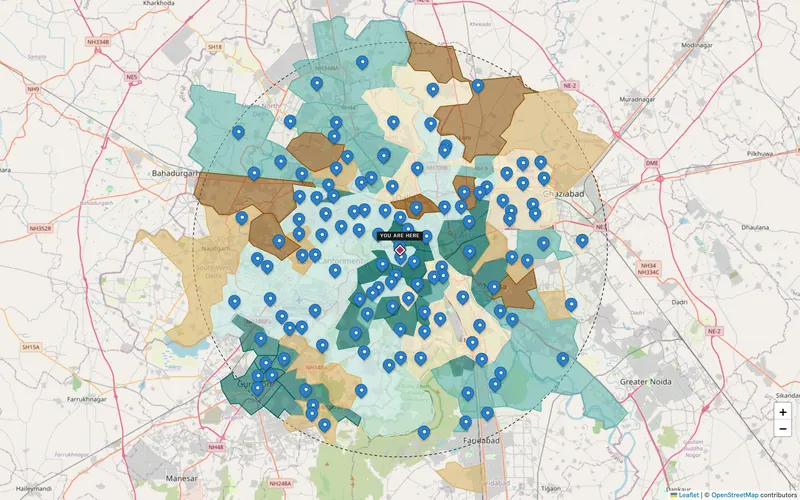
Use pincode income, spend and banking depth to prioritise sourcing and size products by region, joined to your own data on…
Explore →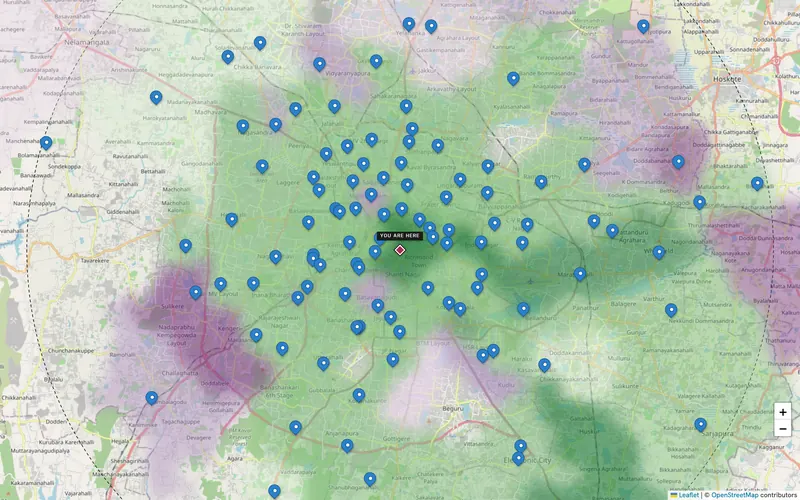
Estimate households and monthly spend for a city, region or radius, split by pincode and by signal, and export it for your…
Explore →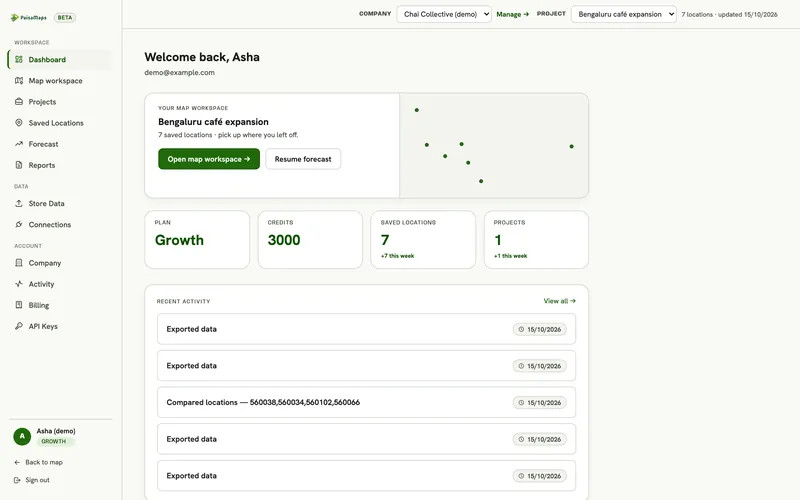
A shared workspace for expansion decisions: projects, location intelligence, site comparison, saved-location pipeline, your…
Explore →We'll show you the affordability picture and an export you can test in your own model.