 PaisaMaps for business
The workspace
Where your team decides.
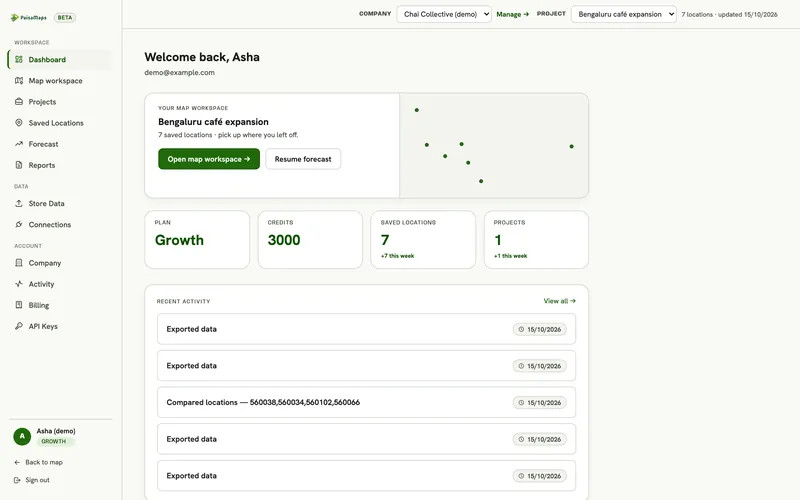
Projects, a map workspace, comparison, your own store data and reports, shared by everyone on the account.
Location intelligence on every click
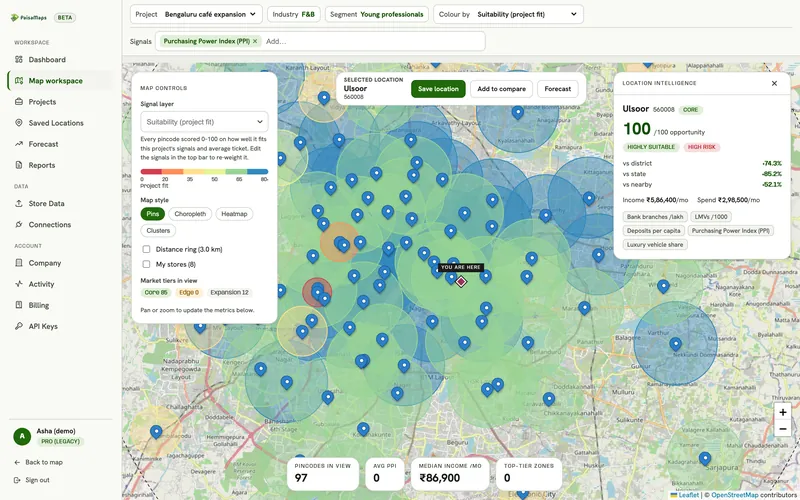
Click any pincode in the map workspace: opportunity score, how it compares with its district, state and neighbours, estimated income and spend, and the signals behind it.
Compare up to five sites
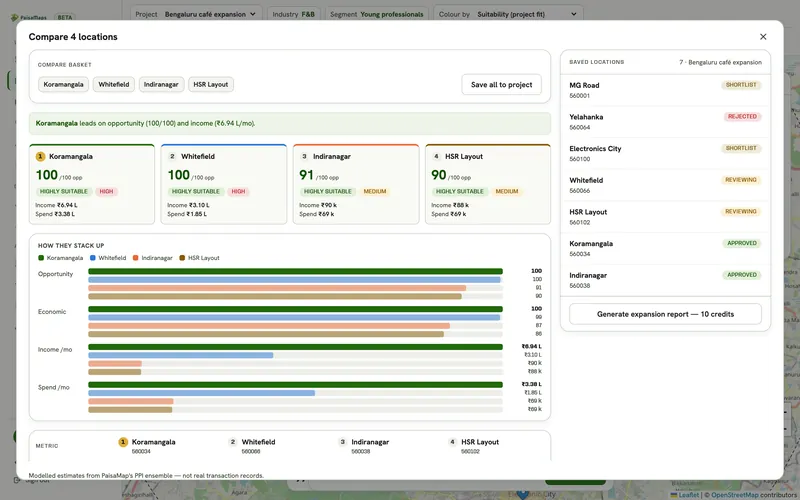
Pick candidates on the map and compare them on opportunity, economics, income and spend, with a one-line verdict on which leads and why.
Every candidate, with a status
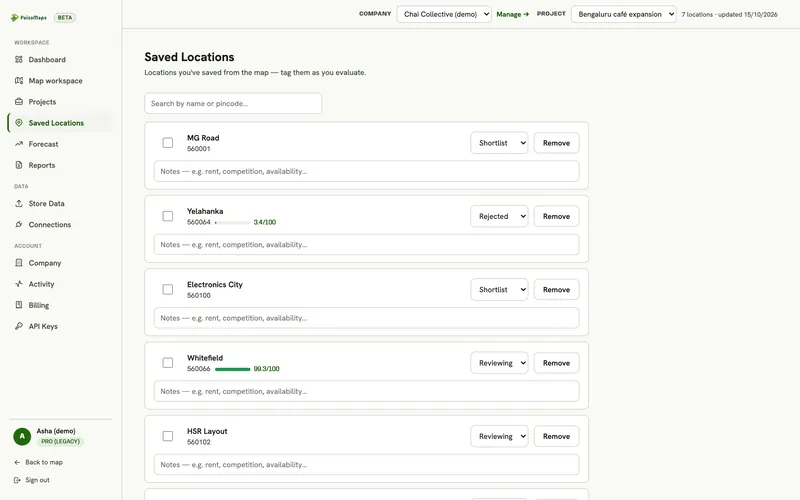
Saved locations move through shortlist, reviewing, approved and rejected, with notes your team can see.
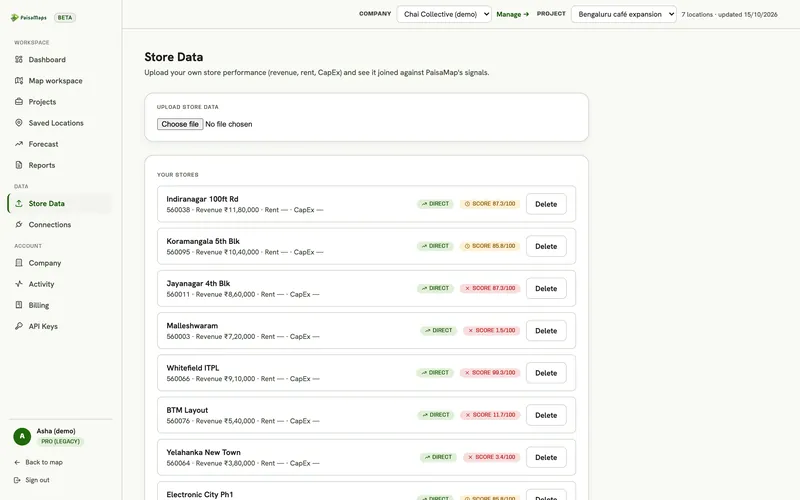
Your stores, scored against their areas
Upload a CSV or Excel file with store, pincode and revenue. Each store gets a score, and the forecast calibrates to how your stores actually perform.
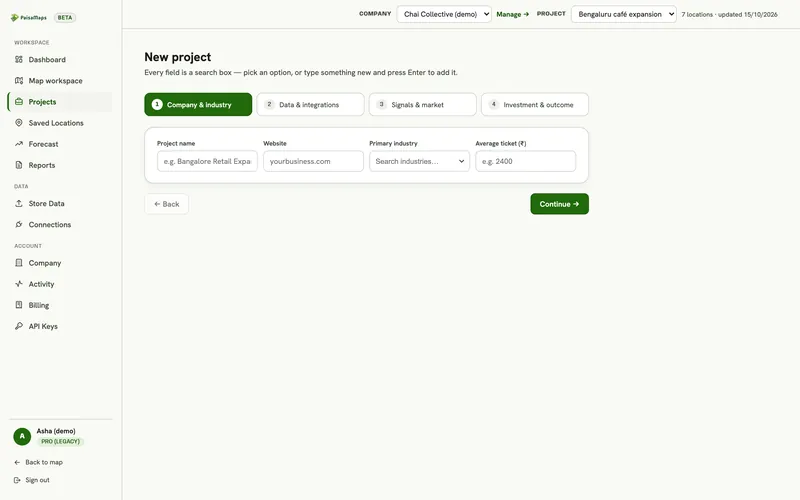
A project in four steps
Company and industry, data, signals and market, then investment and outcome. It saves as you go.
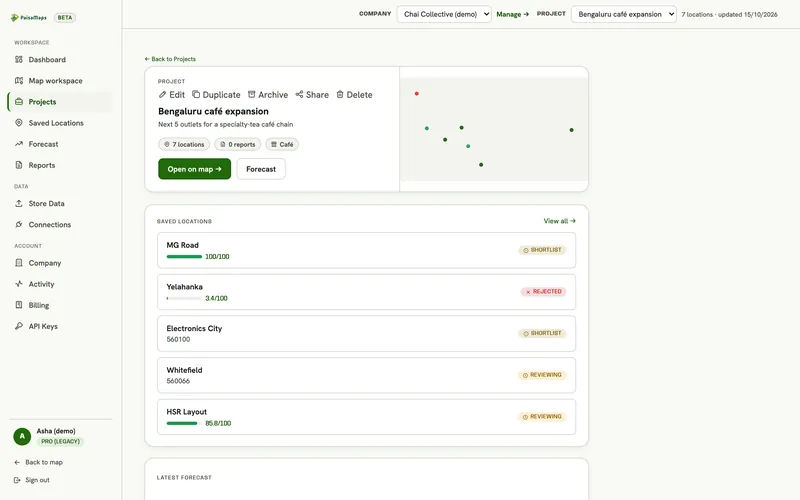
One place per expansion plan
Saved locations with their scores, the latest forecast, reports and who's working on it.
Teams
Built for a team, priced for one
- Seats across the account
- One seat per person, however many of your companies they work in.
- Free viewers
- Leaders and partners can see everything without using a seat or spending credits.
- Budgets and allowances
- Cap what each company or person can spend from the shared credits.
- Reports to share
- Generate a PDF for the board, or a read-only link.
Keep exploring
Where to go next
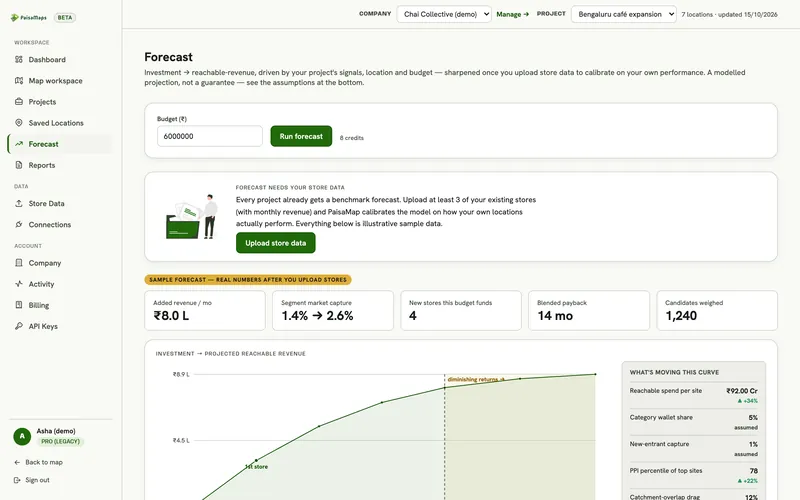
Expansion forecast
Enter an investment budget and get ranked sites, reachable revenue, payback and a budget split, with every assumption shown…
Explore →Site selection
Shortlist candidate pincodes by purchasing power, check each catchment, compare up to five sites side by side and send a…
Explore →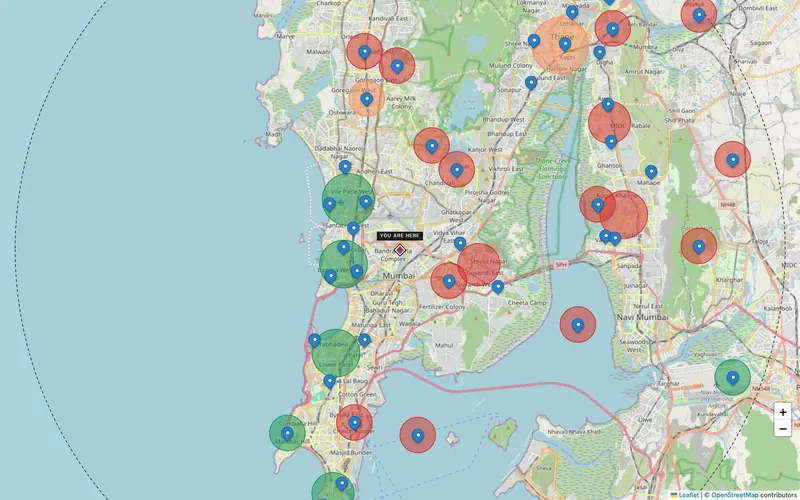
Agencies & consultants
Strategy firms, consultancies and research and media agencies run each client as its own company, with pincode-level market…
Explore →See the workspace with your own cities
Tell us the cities and the decision you're making. We'll walk through it with you on the real data in about 20 minutes.