 PaisaMaps for business
How it works
Start on the free map. Decide in the workspace.
Everything on the map is open to anyone. Sign in when you want to save, unlock more signals, or plan with your team.
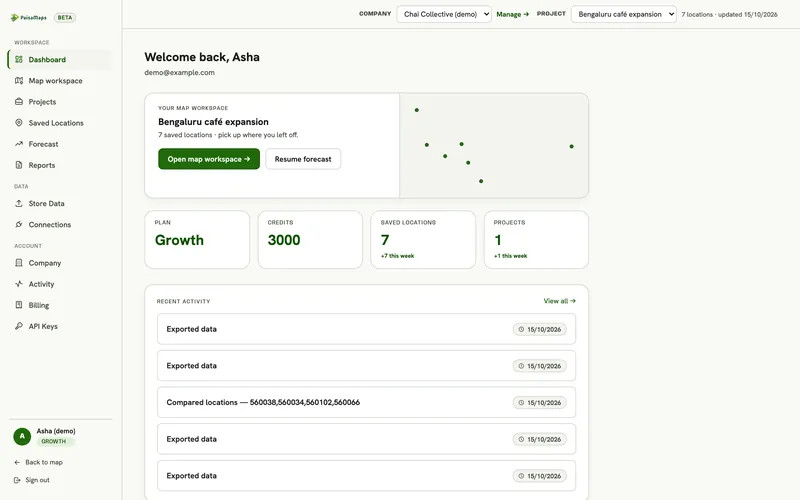
Two journeys
Before and after you sign in
Before sign-in Free
For anyone curious about an area.
- Open the mapNo account needed.
- Search a city or pincodeOr let the map find where you are.
- Read the scoresPurchasing power, income, spend and the property-rate estimate.
- Switch viewsBubbles, choropleth, heatmap, clusters, bivariate, top-N.
- Sign in with GoogleWhen you want to save locations.
After sign-in Plans
For teams making a decision.
- Choose a planSignals Lite (₹200), Signals Pro (₹500) or a workspace plan. Our team sets it up with you.
- Create a projectFour short steps: business, data, signals, investment.
- Upload your storesSee each one scored and calibrate the forecast.
- Compare and forecastShortlist sites and turn a budget into a plan.
- ShareInvite your team, add free viewers, send a report.
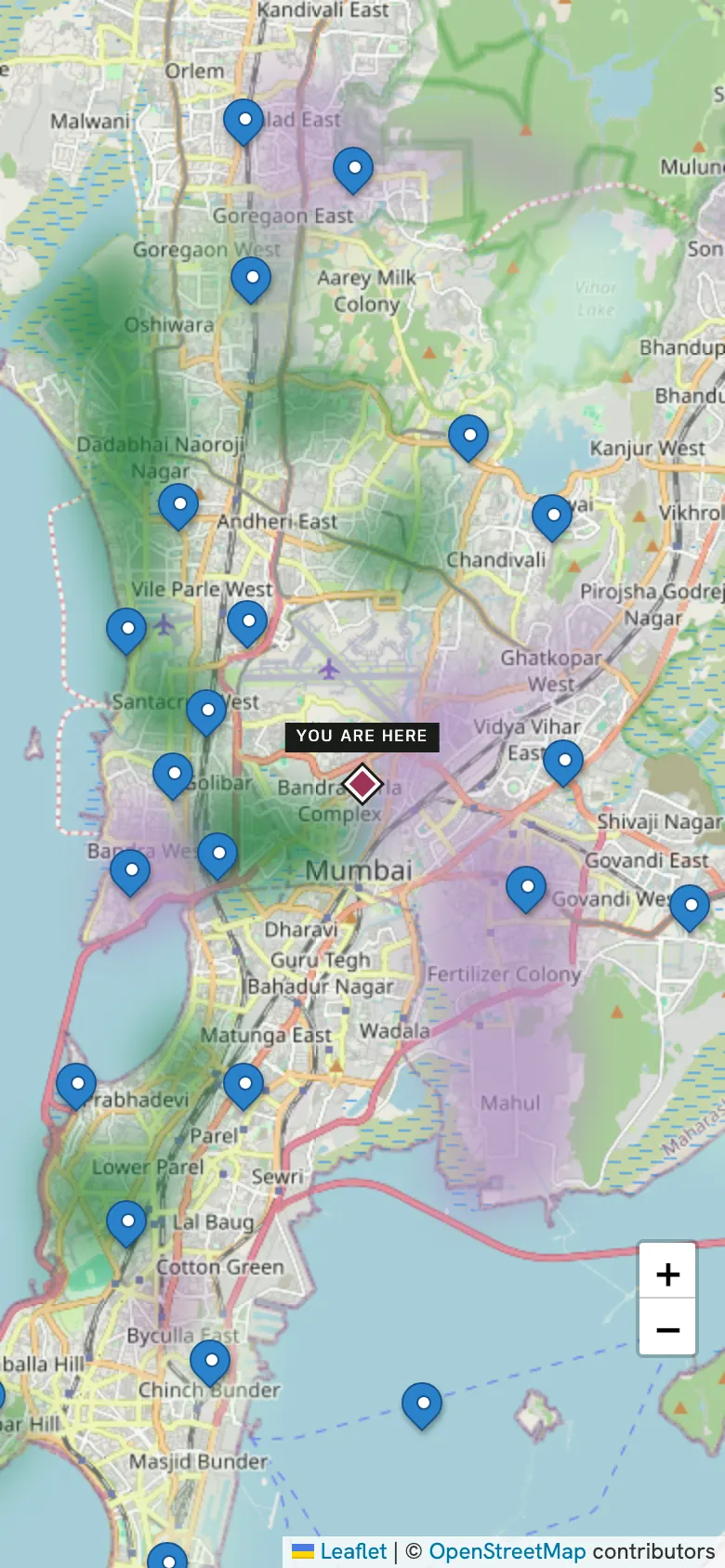
Before
The map, anywhere
On a laptop or your phone, the free map shows the same scores.
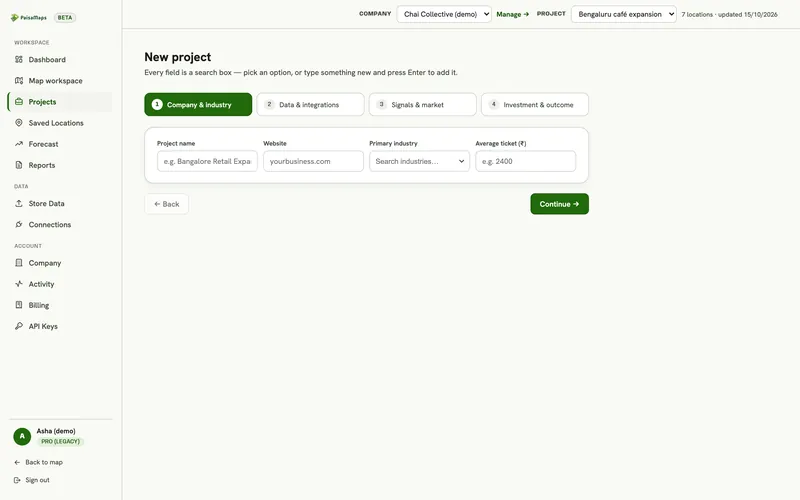
After
Set up a project in minutes
The wizard saves as you go, so you can stop and pick up later.
Keep exploring
Where to go next
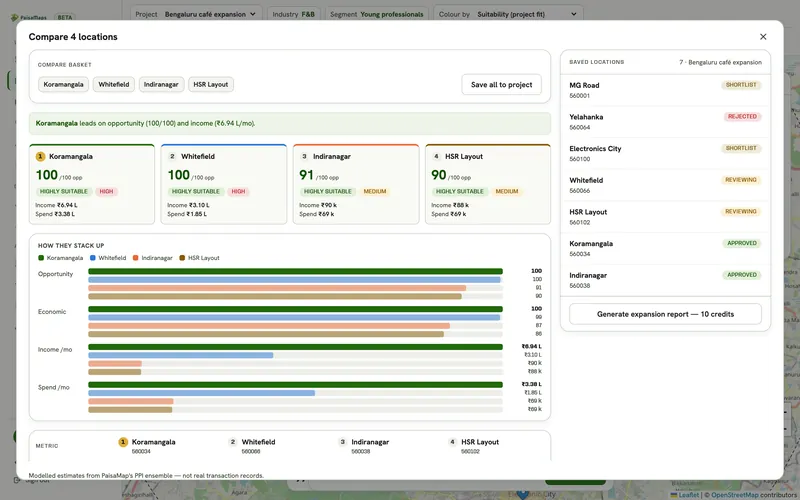
Platform overview
Location intelligence for India: a live pincode purchasing-power map, 15 economic signals, a team workspace for comparing…
Explore →Pricing
Free map, signal plans from ₹200 a month, and dashboard plans from ₹5,000 a month with credits, seats and free viewers.…
Read more →Why PaisaMaps
What makes PaisaMaps different: pincode-level purchasing power for 15,331 pincodes, traceable sources, decision tools and…
Read more →See your own market on the map
Tell us the cities and the decision you're making. We'll walk through it with you on the real data in about 20 minutes.